AI background remover
Cut product photos and portraits clean in a few taps, then drop them on a template.
Musamimuk مصممك
Free Android studio with Arabic fonts, AI cutouts, QR codes, templates, and contests.
Quick access
Everything on Musamimuk in one place — free tools, print shop access, and admin.
AI cutouts in the browser — no install needed.
Open tool → Mobile appDownload the full Android design studio for free.
Get the app → Print shopsShop owners: manage print orders, quotes, and earnings.
Sign in to shop → TeamMusamimuk staff: designs, assets, contests, and settings.
Admin sign in → CompanyWho we are and what Musamimuk is built for.
Read about us → SupportQuestions, feedback, or partnership inquiries.
Contact us → LegalThe rules for using Musamimuk and related services.
View terms → LegalHow we handle account data and app usage.
View privacy → HelpArabic fonts, pricing, contests, Android availability, and more.
See answers →The gap
Most editors feel shallow on mobile — or treat Arabic as an afterthought. Musamimuk is built for the posts you actually publish.
Built into the app
Cutouts, type, templates, QR, AI, and contests — one Android studio.
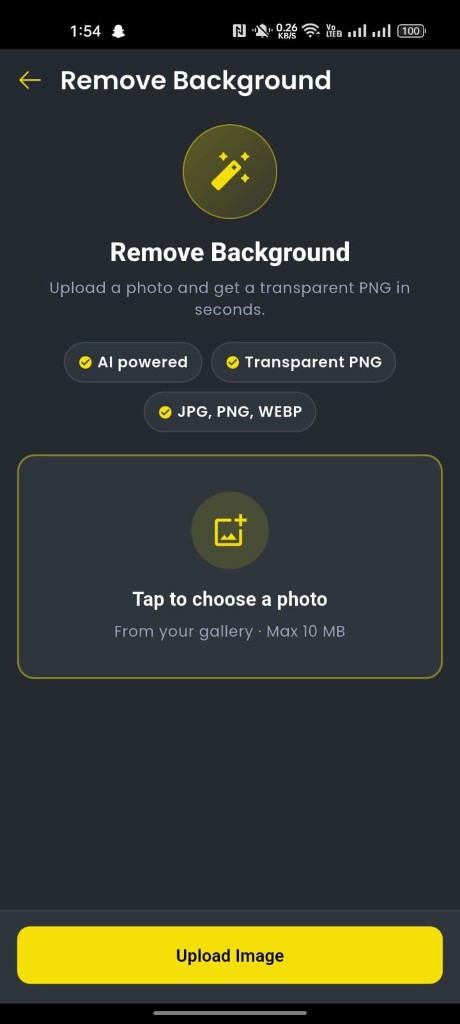
Cut product photos and portraits clean in a few taps, then drop them on a template.
Curated library so headlines and captions read correctly in Arabic and English.
Prompt for images or editable layered designs — not a flat file you can’t fix.
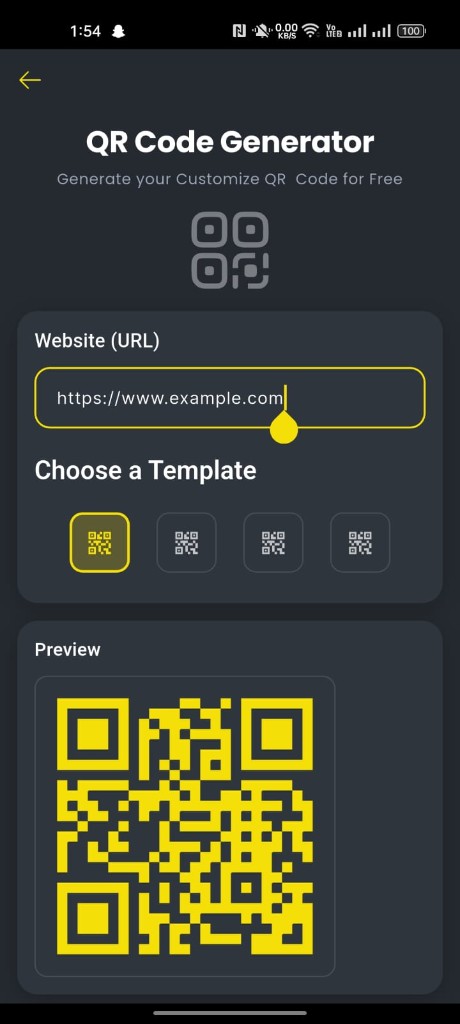
Make codes for links, WiFi, or contact info and place them on menus and posts.
Start from ready-made posts, stories, CVs, and cultural designs, then redesign.
Enter live contests, submit your work, and compete for rewards inside the app.
Three steps
From blank phone screen to a post you can publish.
Pick a social or Islamic template, a feed-ready size, or your own gallery image.
Remove the background, set Arabic or English type, add shapes, logos, or a QR code.
Keep it in My Designs, share the file, or submit to a live design contest.
Who it’s for
Posts and stories with templates, Arabic type, and AI cutouts when the caption is already written.
Promo graphics, product photos without backgrounds, and QR codes for menus or WhatsApp.
Fonts and Islamic templates that respect the language and the occasion, including Ramadan themes.
Fast mockups, posters, and CVs you can reopen later from My Designs — no laptop required.
See it in action
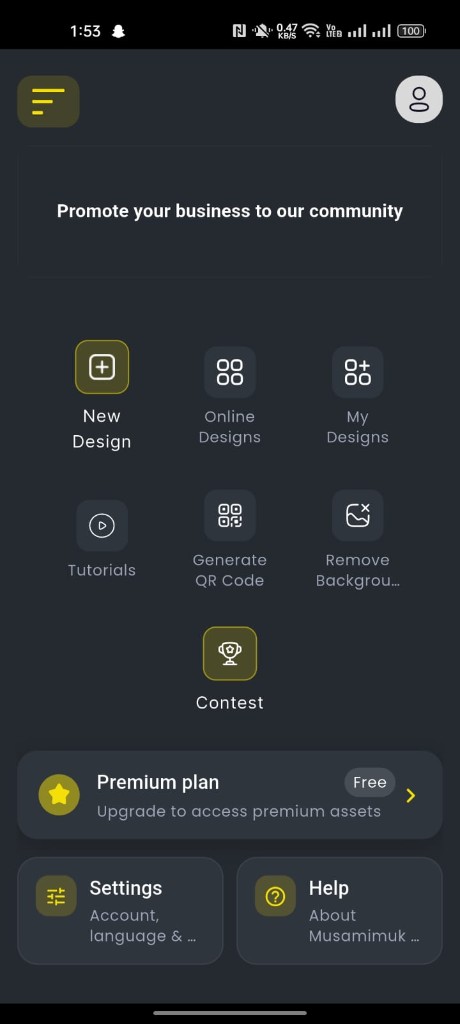
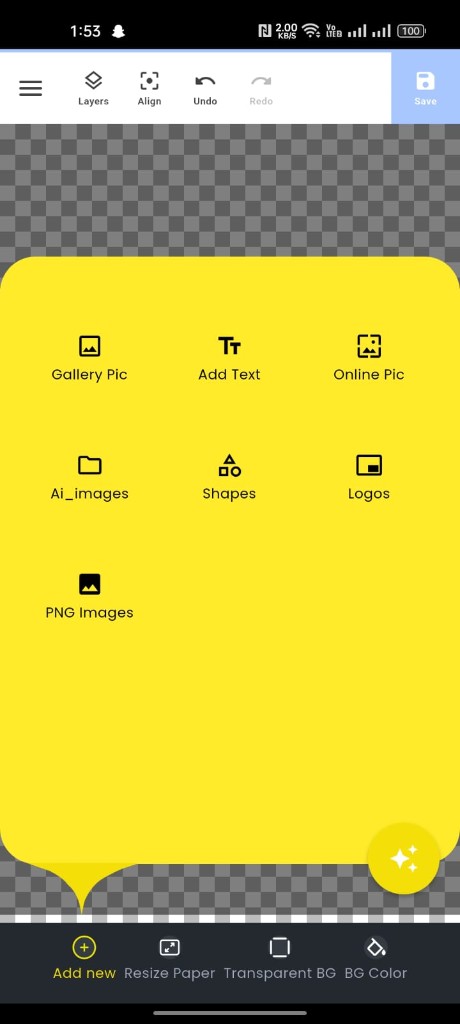
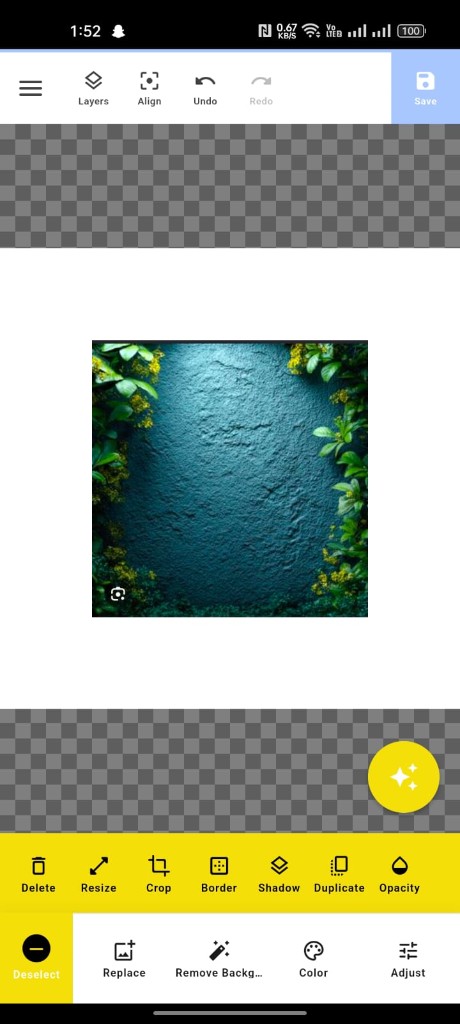
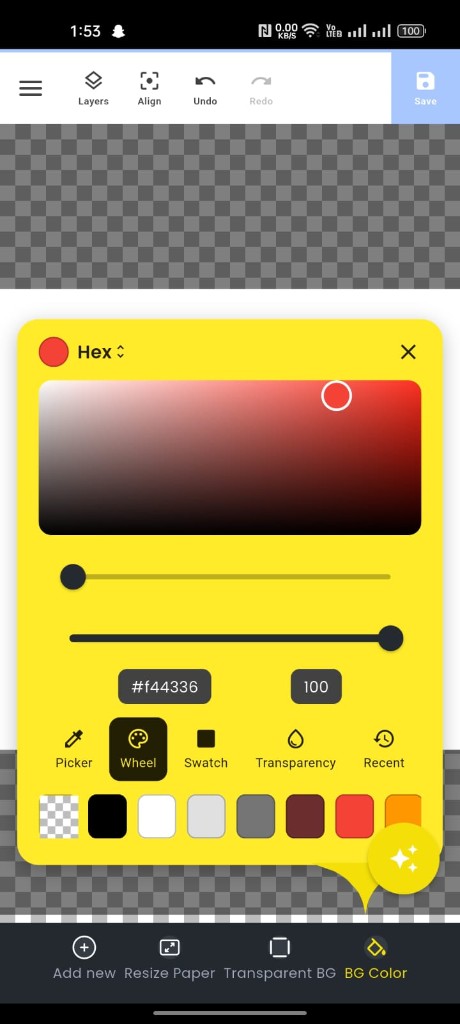
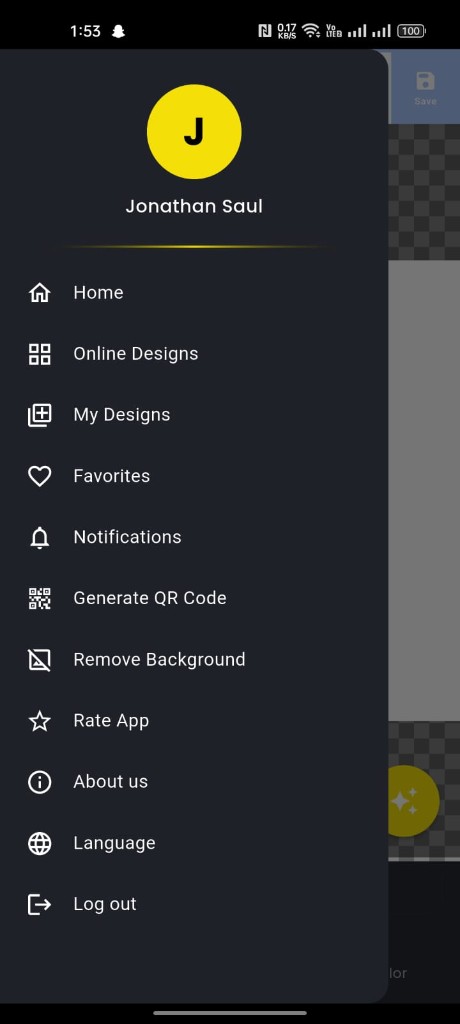
Home, editor, background remover, QR generator, and more from the Android app.
Contests
Finish a design, submit it to a live contest, and compete for rewards. Themes include cultural moments like Ramadan.
No separate site. Browse contests, submit entries, and see winners in the app.
Free to start
Core editing is free. Optional Coins and Musamimuk Pro cover AI and premium assets.
Enough to ship a real post on day one.
Buy what you use.
Exact packs and prices show in the Play Store and in-app.
Why Musamimuk
Fonts and templates built for Arabic and English — not English-only libraries with broken glyphs.
AI Studio can produce layered designs you keep editing, not a flat image you can’t fix.
Design and compete in one place, including cultural themes your audience actually posts for.
Android design studio with Arabic fonts, cutouts, QR, and contests.
Get it on Google PlayAnswers
Musamimuk (مصممك) is a free Android design studio. Design social posts with Arabic and English fonts, remove backgrounds, make QR codes, use AI Studio, and join design contests from your phone.
Yes. A curated Arabic and English font library is built into the editor so headlines and captions read correctly.
Yes. You get AI background removal plus AI Studio for images and editable layered designs, inside a full mobile editor with text, shapes, logos, and color tools.
Yes. Cut out product photos, portraits, and subjects in a few taps, then drop them onto a template or blank canvas.
Yes. Create QR codes inside Musamimuk and place them on posters, menus, and social posts.
Yes. Use social and Islamic templates plus preset canvas sizes for Instagram, Facebook, Snapchat, and more.
Yes. Projects stay in My Designs so you can reopen and edit later. You can save designs as public or private.
Yes. Free to download on Google Play. Core editing, templates, contests, and background removal are available to start. Optional Musamimuk Coins power some AI tools, and Musamimuk Pro unlocks premium assets.
Yes. Available for Android on Google Play. iOS is in progress.
Download from Google Play at play.google.com/store/apps/details?id=com.musamimuk.app.